
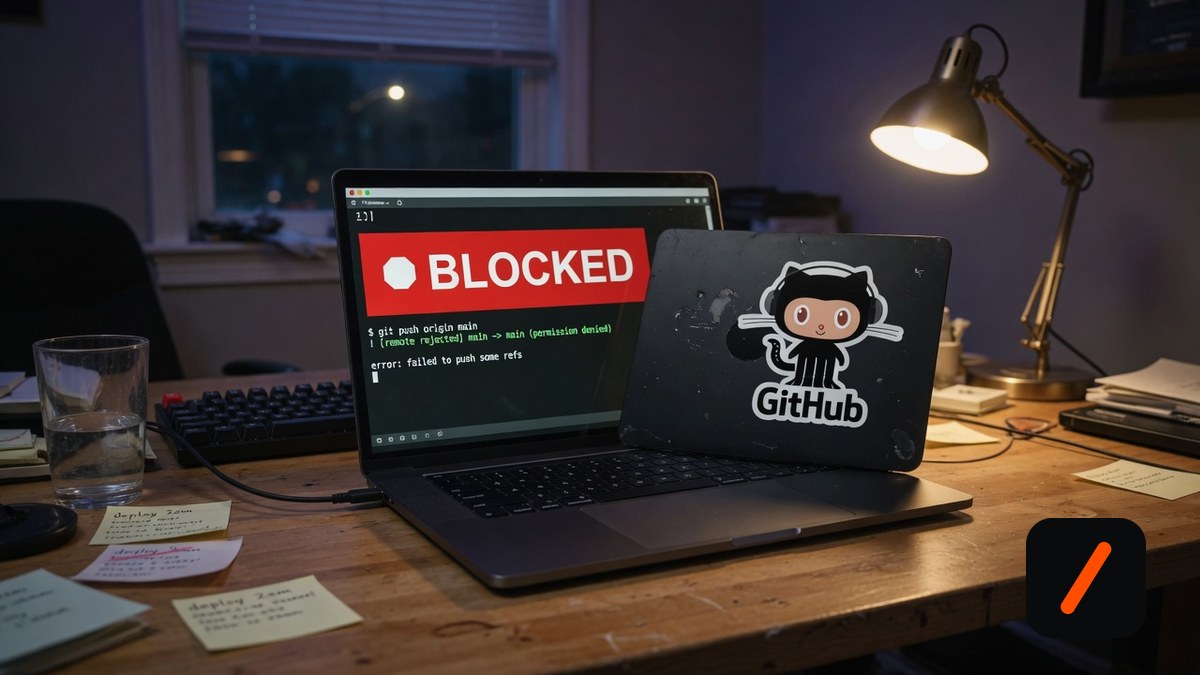
dcg (Destructive Command Guard) is a Rust hook for AI coding agents that intercepts catastrophic commands like git reset --hard, rm -rf ./src, and DROP TABLE users before they execute, and today it is one of the hottest repositories on GitHub trending, adding roughly 1,300 stars in a day on its way past 3,900 total. If you let Claude Code, Codex, Cursor, or Grok run shell commands unattended, one wrong line can wipe hours of uncommitted work in seconds. dcg is the seatbelt: a sub-millisecond guard that sits between the agent and your shell, blocks the handful of commands that are actually unrecoverable, and explains why. Setup is a single install command and about five minutes.
- One install script auto-detects your platform, downloads the right binary, and wires the hook into every AI agent it finds, including Claude Code, Codex CLI, Gemini CLI, Copilot, Cursor, and Grok.
- Zero-config protection blocks the catastrophic git and filesystem commands out of the box; 50+ optional packs cover databases, Kubernetes, Docker, and cloud CLIs.
- It is fail-open by design: a timeout or parse error never blocks your workflow, and
DCG_BYPASS=1or an allow-once code lets you override any single block. - MIT licensed and free, written in Rust with SIMD-accelerated matching, so the latency is sub-millisecond and you never feel it running.
What is dcg and why is it trending?
dcg started as a Python script by Jeffrey Emanuel, who noticed that AI coding agents are astonishingly useful right up until the moment one of them runs git reset --hard on a repo full of uncommitted changes. Darin Gordon ported it to Rust for speed, and Emanuel then expanded that Rust version into a full guardrail: a modular system of 50-plus "packs" that classify destructive commands by domain, heredoc and inline-script scanning that catches python -c "os.remove(...)", and context detection smart enough to block rm -rf / while leaving grep "rm -rf" alone. It registers as a PreToolUse hook, the same mechanism Claude Code and its imitators expose for screening a tool call before it runs, so it works identically across a long list of agents instead of one. The trending spike tracks a real anxiety: as more developers hand agents the keys to their terminal, the blast radius of a single bad command has grown, and dcg is the smallest possible insurance policy against it.
RelatedOpen Interpreter Setup: A Coding Agent for Cheap Models
How do you install dcg?
The recommended path is the install script in "easy mode." It detects your OS, downloads the matching prebuilt binary, verifies its SHA256 checksum, configures every supported agent hook it finds, and adds dcg to your PATH. On Linux, macOS, or Windows via WSL:
# Linux / macOS / WSL: download, verify, and wire into your agents
curl -fsSL "https://raw.githubusercontent.com/Dicklesworthstone/destructive_command_guard/main/install.sh?$(date +%s)" | bash -s -- --easy-mode
On native Windows, use the PowerShell installer instead. It installs dcg.exe, verifies the checksum, adds the binary to your user PATH, runs a self-test, and configures the agents it detects. On Windows the windows.filesystem and windows.system packs are on by default, so del /s, rd /s, Remove-Item -Recurse -Force, format, and vssadmin delete shadows are blocked from a fresh install:
# Windows (native PowerShell): install, verify, self-test
& ([scriptblock]::Create((irm "https://raw.githubusercontent.com/Dicklesworthstone/destructive_command_guard/main/install.ps1"))) -EasyMode -Verify
If you prefer to build it yourself, dcg uses Rust Edition 2024 and needs the nightly toolchain; a bundled rust-toolchain.toml selects it automatically:
# Build from source (needs Rust nightly)
rustup install nightly
cargo +nightly install --git https://github.com/Dicklesworthstone/destructive_command_guard destructive_command_guard
How do you confirm it is actually guarding your agent?
Before trusting it, evaluate a command without running it. dcg test tells you whether a given command would be blocked, and dcg explain prints the full decision trace showing which pack and rule matched:
# Would this be blocked? (nothing is executed)
dcg test "git reset --hard HEAD~5"
# Why was it blocked? Full rule trace
dcg explain "rm -rf ./src"
Then run dcg setup, which adds a shell startup check that warns you if the hook is ever silently removed from your agent config. To turn on more coverage, drop a config file at ~/.config/dcg/config.toml and enable the packs you want; a bare category ID like database expands to every sub-pack under it:
# ~/.config/dcg/config.toml
[packs]
enabled = [
    "database.postgresql",
    "kubernetes.kubectl",
    "cloud.aws",
    "containers.docker",
]
dcg is not only for interactive sessions. dcg scan reads a repo's shell scripts, Dockerfiles, CI workflows, and Makefiles and flags destructive commands that got committed, so you can add it as a pre-commit hook with dcg scan install-pre-commit and catch a stray rm -rf in code review instead of in production.
RelatedOpenCut Setup: Self-Host the Free CapCut Alternative
How does dcg compare with just being careful?
| Trait | dcg | Agent approval prompts | No guard |
|---|---|---|---|
| Catches a command you approved | Yes, rule-based | No, you already said yes | No |
| Coverage | 50+ curated packs | Whatever you eyeball | Nothing |
| Works across agents | One binary, many agents | Per-agent settings | N/A |
| Overhead per command | Sub-millisecond | You read each one | None |
| Cost | Free, MIT | Built in | Free |
The point of the comparison is not that dcg replaces your judgment; it is that judgment fails exactly when you are moving fast and clicking approve on autopilot. Per-command approval prompts help until the tenth prompt of the hour, when you stop reading them. dcg only ever fires on the commands that are genuinely unrecoverable, which keeps the signal high and the interruptions rare.
What are the gotchas before you rely on it?
Four things to understand before you treat it as a safety net. First, it is a guardrail, not a sandbox: dcg inspects the command an agent proposes, but a determined model can write a destructive script to disk and then execute the script, which the hook does not see. Second, coverage depends on the hook path, and integration maturity varies by agent; Codex's unified_exec path is not fully intercepted yet, and tools like Aider only get git-hook protection rather than live interception. Third, the escape hatches are powerful and should be used sparingly: DCG_BYPASS=1 disables all protection for that one invocation, so prefer a scoped allowlist entry for anything recurring. Fourth, the default packs are deliberately narrow, covering only the catastrophic filesystem, git, and disk commands, so if you want database or Kubernetes protection you have to enable those packs yourself. None of these are dealbreakers; they are the difference between thinking you are covered and knowing exactly what is covered.
- The bypass gap. Hook-layer guards cannot see a script the model writes then runs; closing that path is the hard, unsolved part of agent safety.
- Per-agent coverage. Interception is only as good as each agent's hook API; watch the Codex and Cursor integrations mature from "detected" to "fully enforced."
- False-positive tuning. As packs multiply, the balance between blocking real danger and nagging on safe commands is what keeps people from ripping the hook out.
Our take
dcg is the rare safety tool that is worth installing precisely because it does almost nothing most of the time. It is not trying to sandbox your agent or approve every command; it targets the short list of operations that turn a bad afternoon into a lost week, and it blocks those with sub-millisecond overhead and a clear explanation. That narrow scope is the whole design: a guard that fires constantly gets disabled, and a guard that never fires is useless, so dcg aims for the handful of commands that are actually unrecoverable. The honest caveat is that it is a guardrail, not a wall, and anyone who reads "blocks destructive commands" as "my agent is now safe to run unattended" will eventually get burned by the script-to-disk bypass. Used for what it is, though, a five-minute install that could save your uncommitted work the first week you have it, it is one of the easiest yes decisions in the agent-tooling stack right now.
- OfficialDicklesworthstone/destructive_command_guard repository and README
- Officialdcg Releases v0.6.6 prebuilt binaries and checksums
- Officialdocs/agents.md supported agents, trust levels, and configuration
- ReferenceClaude Code hooks the PreToolUse hook mechanism dcg plugs into
Original analysis by GenZTech. Tool documentation: Dicklesworthstone/destructive_command_guard on GitHub.